FAQ
Firmware Updates, Displays, Batteries, and Support
Find answers to the most frequently asked questions about Polini E-Bike motors: firmware update, compatible displays, error codes, Bottle Battery, chargers and maintenance.
Firmware Updates for Polini Systems
Updating the firmware of the motor, display and Bluetooth helps keep the system efficient and up to date.
To perform the update, download the dedicated software (Polini Updater) from the Technical Area section of your motor model on the website and follow the instructions provided.
We recommend switching the e-bike off and then switch it on after a few moments.
The update must be carried out according to the official Polini instructions.
The software for updating your Polini e-bike motor can be found in the Technical Area section of the website, within the page dedicated to your system:
– Polini E-P3;
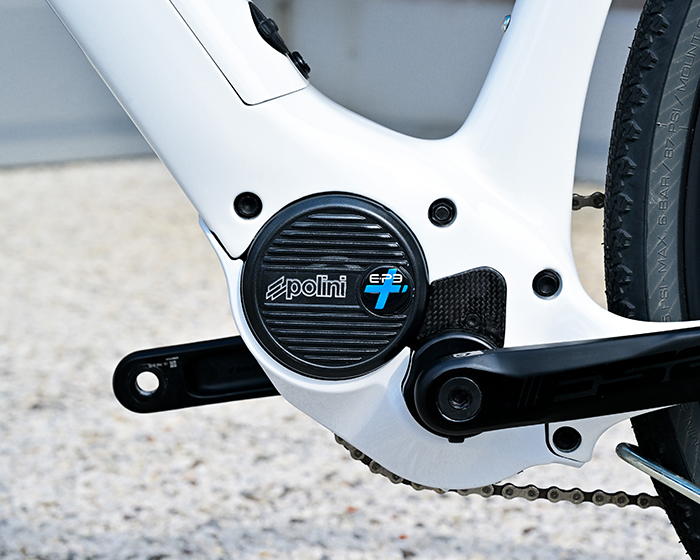
– Polini E-P3+;
– Polini E-P3+ EVO;
– Polini E-P3+ EVO2.
The same section also contains firmware update instructions and technical support documents.
For assistance, contact your nearest service point or email: ebike@polini.com
Firmware updates are recommended when:
– A new official Polini version is released;
– The Polini App notifies you that an update is available;
– New compatible components are installed;
– The display, battery, or handlebar control unit are replaced;
– The system shows malfunctions or error messages;
– The display does not switch on correctly or fails to communicate with the system;
– Requested by Polini technical support.
Before update the system, always verify the motor model, the installed display type and component compatibility.
For assistance, contact your nearest service point or email: ebike@polini.com
If the update is interrupted before completion, it is recommended to perform the firmware recovery procedure for both the display and the motor. Follow the procedures described in the “Polini Updater Instructions“.
For assistance, contact your nearest service point or email: ebike@polini.com
Maintenance of Polini E-P3 / E-P3+ Systems
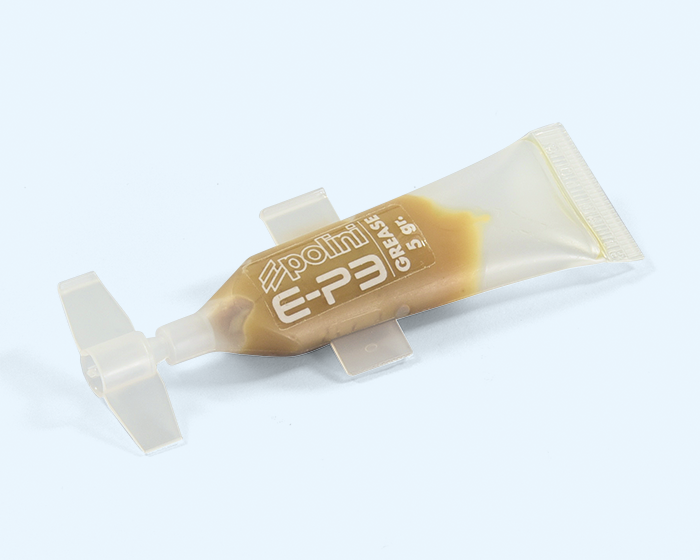
It is recommended to use half a tube of grease every 5,000 km to maintain performance, reliability and safety over time.
Technical maintenance must be carried out by qualified personnel or an authorized service center.
Polini offers an out-of-warranty overhaul program to restore the motor to its maximum performance.
For assistance, contact your nearest service point or email: ebike@polini.com.
Never use high-pressure water jets to clean your e-bike, as water entering electrical components may cause malfunctions.
Before cleaning, always remove the battery. Clean the battery and its covers only with a soft, slightly damp, well-wrung cloth.
Do not use thinners, solvents, or aggressive cleaning products, as they may damage surfaces and components.
For more information, consult the User and Maintenance Manual available in the Technical Area for your motor.
Errors, Diagnostics, and Support
Polini E-Bike system errors can be viewed through:
– The e-bike display;
– The Polini E-Bike App (if compatible);
– Diagnostic software;
– Inspection by an authorized dealer or service center.
Error codes help identify issues related to the motor, battery, display, sensors or wiring. The complete list of error codes is available in the instructions under the “Warnings” section.
Access to diagnostics depends on the control unit installed:
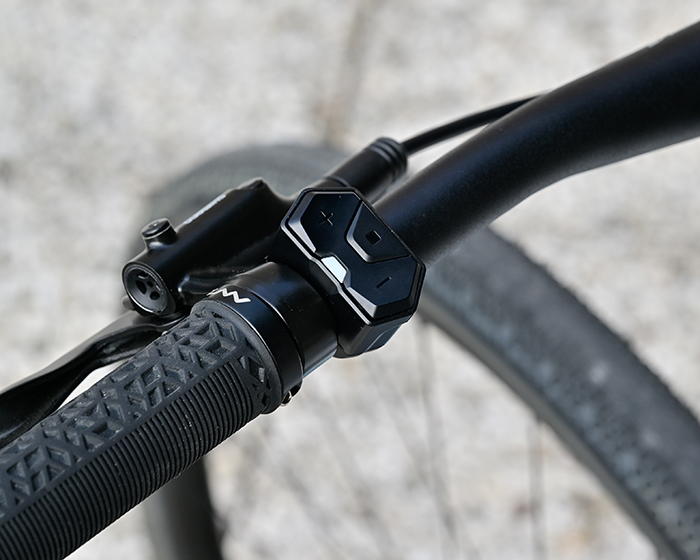
– With a 4-button control unit, press and hold the Polini button;
– With a 3-button control unit, press and hold the center button;
– With a 2-button control unit, press both buttons simultaneously.
Once inside the menu, select Diagnostics and clear the errors.
Errors can be cleared from the Diagnostics section. Once in Diagnostics, press a button and the message “Clear errors?” will appear. Select Yes. If an error reappears after being cleared, it is recommended not to continue using the bike and to contact an authorized Polini service center.
To submit a support request, use the Support Request page on the Polini website, (Exclusively for shop owners with a valid VAT number.)
Before submitting your request, prepare:
– Motor code;
– Battery code;
– E-bike model;
– Description of the issue;
– Any displayed error code;
– Photos or documents useful for diagnosis.
A photo of the purchase invoice is required.
Providing complete information allows for a faster and more accurate answer.
Polini systems are covered by a 24-month warranty from the purchase date, as evidenced by an invoice or sales receipt. Only the new E-P3 EVO 2 LIMITED SERIES motors are covered by a 3-year warranty.
Compatibility, displays, and dandlebar Controls
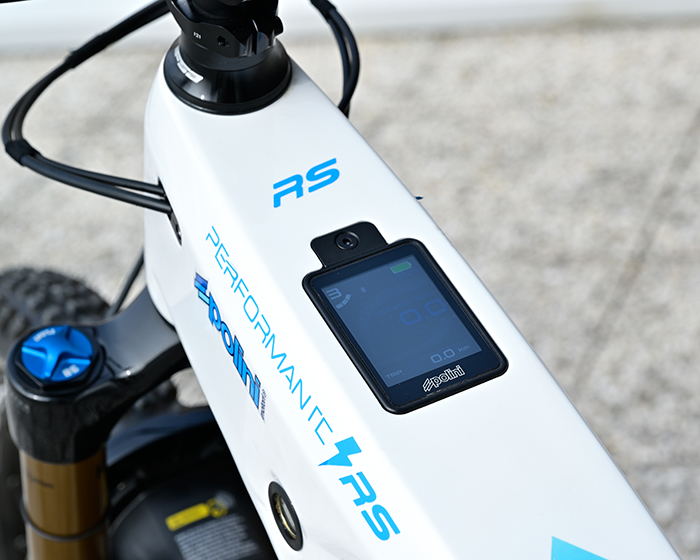
If your e-bike display does not turn on, first check:
– That the battery is charged;
– That the battery is correctly installed;
– That all cables are connected;
– That the display and control unit are not damaged;
– That the system firmware is up to date. If a firmware update was interrupted before completion, perform the recovery procedure described in the “Polini Updater Instructions“.
If the issue persists, the firmware may need updating or the bike may need inspection by an authorized Polini dealer or service center.
The TFT V1 display can no longer be updated for use with EVO motors.
For this reason, before carrying out updates or replacements, it is important to verify the version of the display installed on the e-bike.
If in doubt, consult the compatibility information on the Polini System Compatibility page or contact an authorized Polini dealer or technical support.
To replace an older display with a Polini TFT display, the following components may be required:
– TFT display 955.830.053;
– Display cable 955.830.023 for E-P3+ motors;
– Wired handlebar control unit for E-P3, E-P3+, and EVO motors: 955.830.037; 955.830.036; 955.830.056;
– Display suppurt: 955.830.017; 955.830.016; 955.830.027; 955.830.046;
– If a Hi Speed device is already installed, it must be replaced with 950.830.047;
– System firmware update following the instructions in the Polini Updater Instructions, Chapter 6.
The configuration varies depending on the motor model and the components already installed on the e-bike.
Once you have selected and purchased the desired control unit, always update the Polini system using Polini Updater.
After the update, switch the system off and then back on.
MTB and Road Bluetooth control units are compatible only with E-P3+ EVO2 motors, including the LIMITED SERIES versions.
Batteries, Chargers, and Bottle Battery
The correct charger depends on the battery installed on your e-bike.
Before connecting a charger, always verify:
– Battery model;
– System version;
– Charger compatibility;
– Presence of a Bottle Battery, if applicable.
Using an incompatible charger may compromise proper system operation. Refer to the “Charger Compatibility section“.
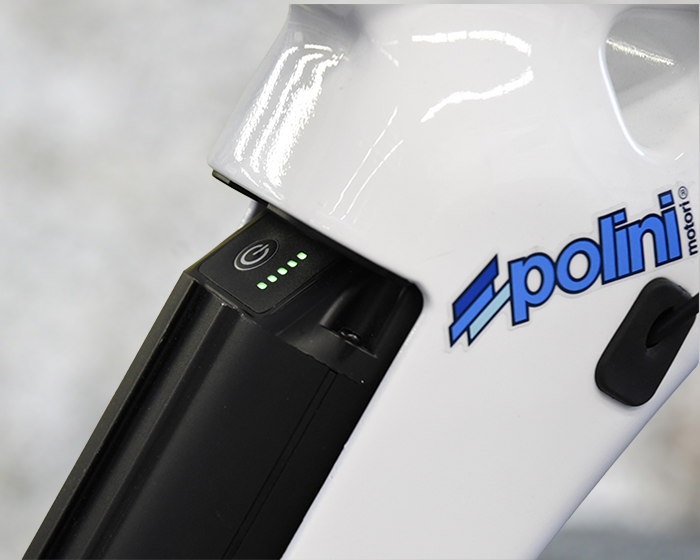
The Polini Bottle Battery is an additional battery designed to increase the range of e-bikes equipped with a compatible 500 Wh battery. It is an ideal solution for riders who want to tackle longer routes, greater elevation gains, or more intensive use of their e-bike.
To install the Bottle Battery correctly, the following components may be required:
– Bottle Battery;
– Connection cable;
– Mounting bracket.
To replace the key lock on a 500 Wh battery, remove the battery from the frame, remove the original key lock and replace it with part number 955.830.013. If both keys have been lost, contact your nearest Polini service point.
To replace the key lock on an 880 Wh battery, remove the old lock cylinder and replace it with part number 955.520.026.